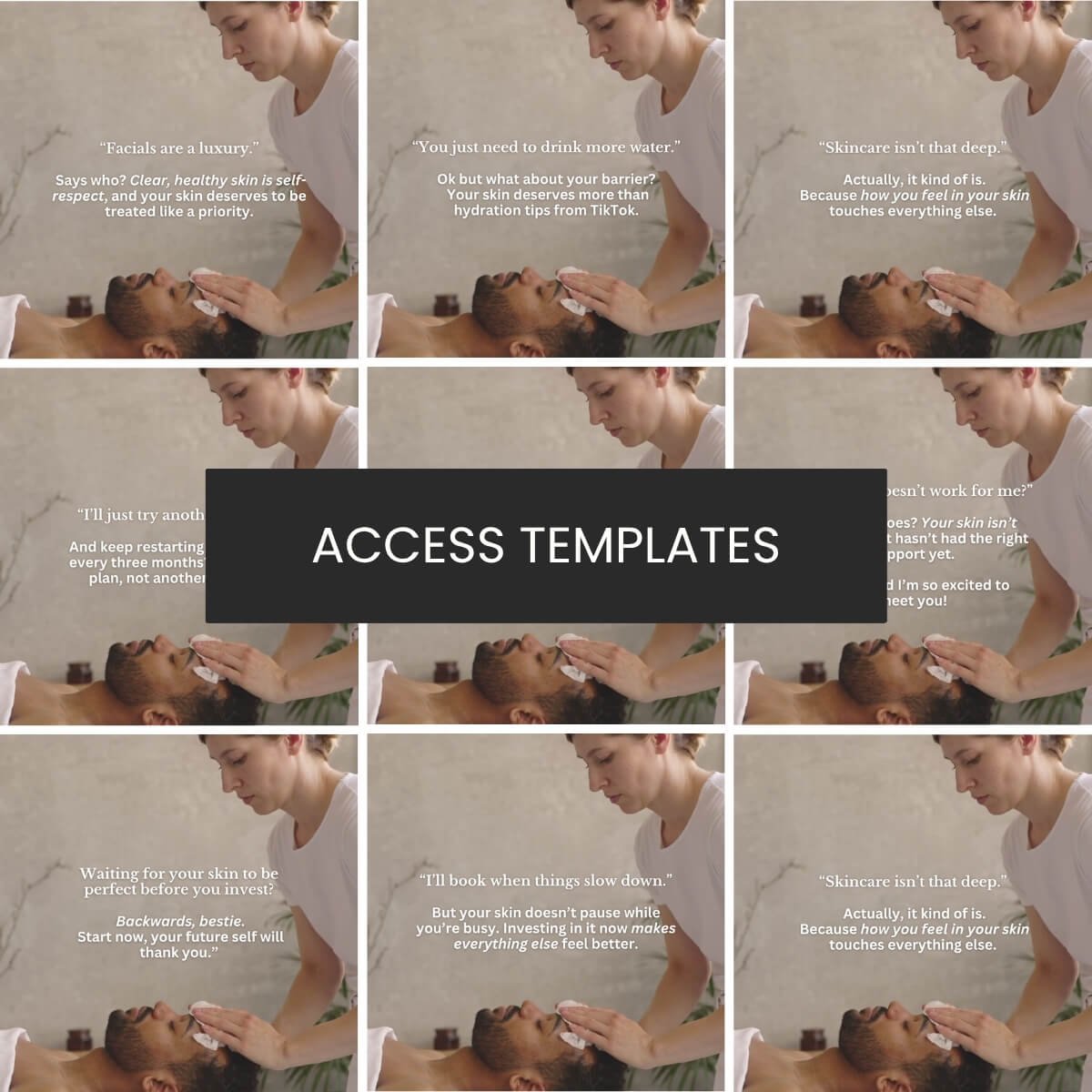
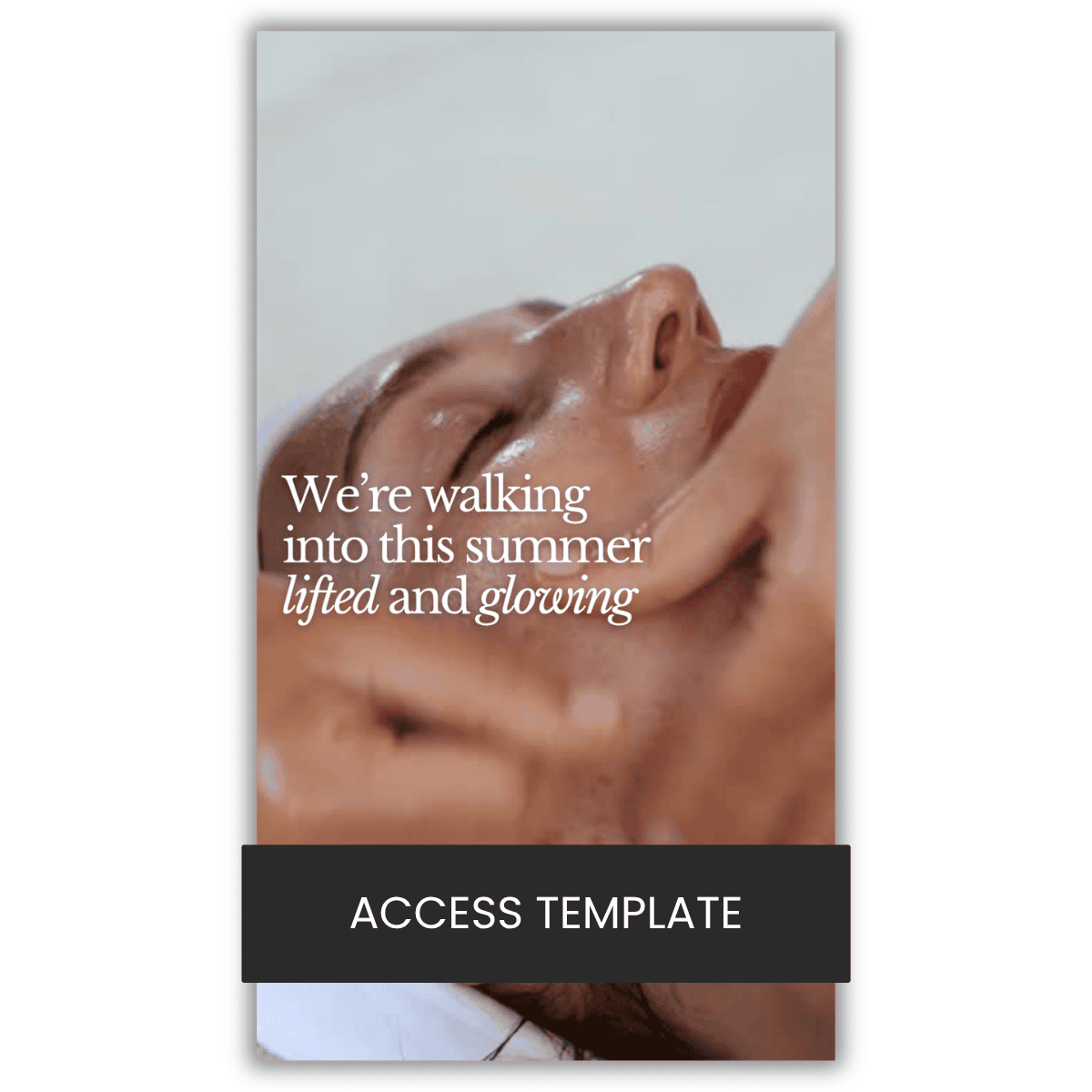
Click to open in Canva.
If you don’t see the text scrolling across the page, you need to toggle “reduce motion” off in your settings. To do this:
Go to settings on the homepage of canva in the bottom left-hand corner
Go to accessibility
On the accessibility page, go to the “Reduce motion when you view and present designs” section
Ensure you have selected “reduce motion off.”
To browse all available Reel Templates, select the “Reel Templates" category from the library menu.
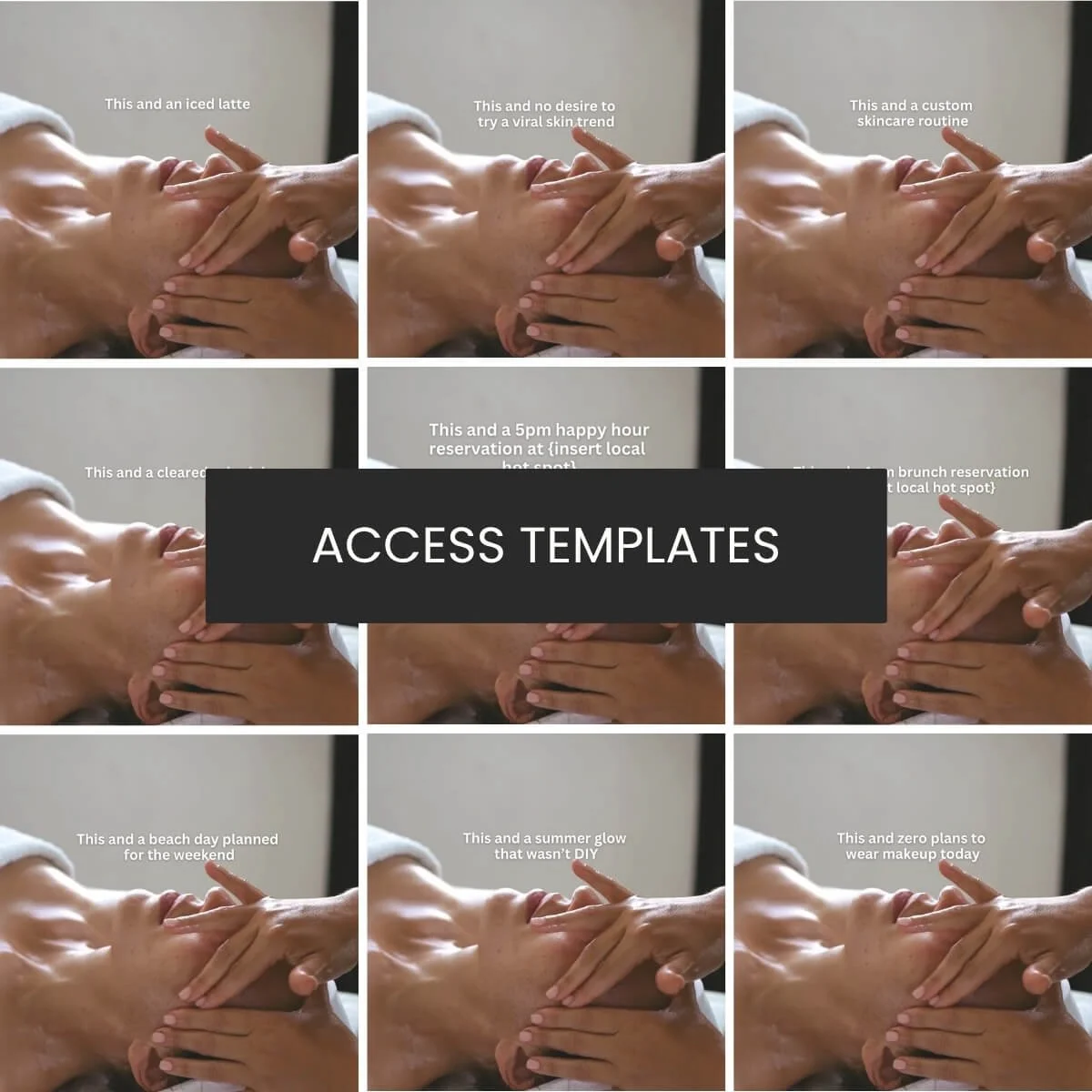
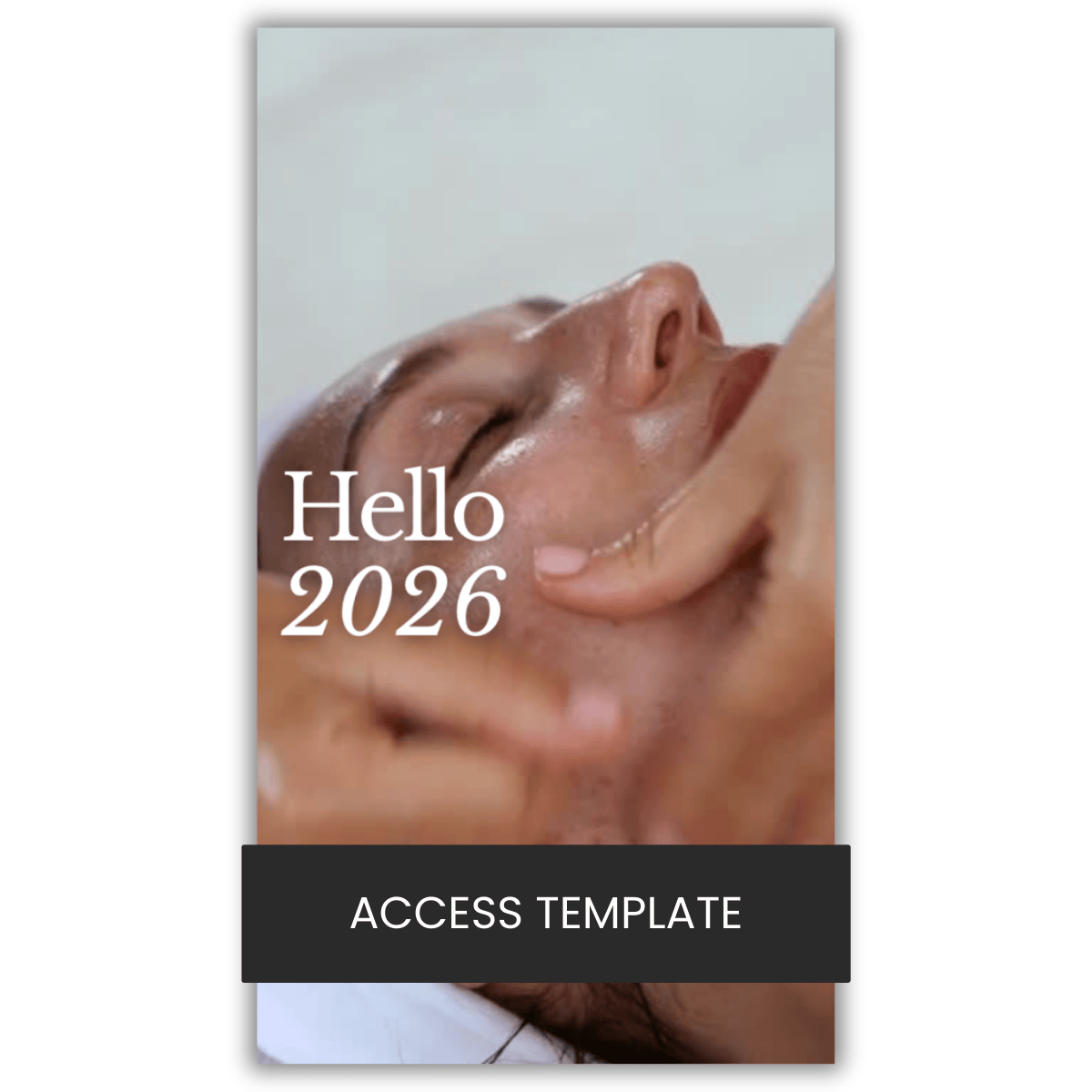
Click to open in Canva.
If you don’t see the text scrolling across the page, you need to toggle “reduce motion” off in your settings. To do this:
Go to settings on the homepage of canva in the bottom left-hand corner
Go to accessibility
On the accessibility page, go to the “Reduce motion when you view and present designs” section
Ensure you have selected “reduce motion off.”
To browse all available Reel Templates, select the “Reel Templates" category from the library menu.

 Image 1 of 1